Netlify vs Vercel.
How to put your site online.
From files on your computer to a live website: GitHub, Netlify or Vercel, and how to let AI do the publishing for you.

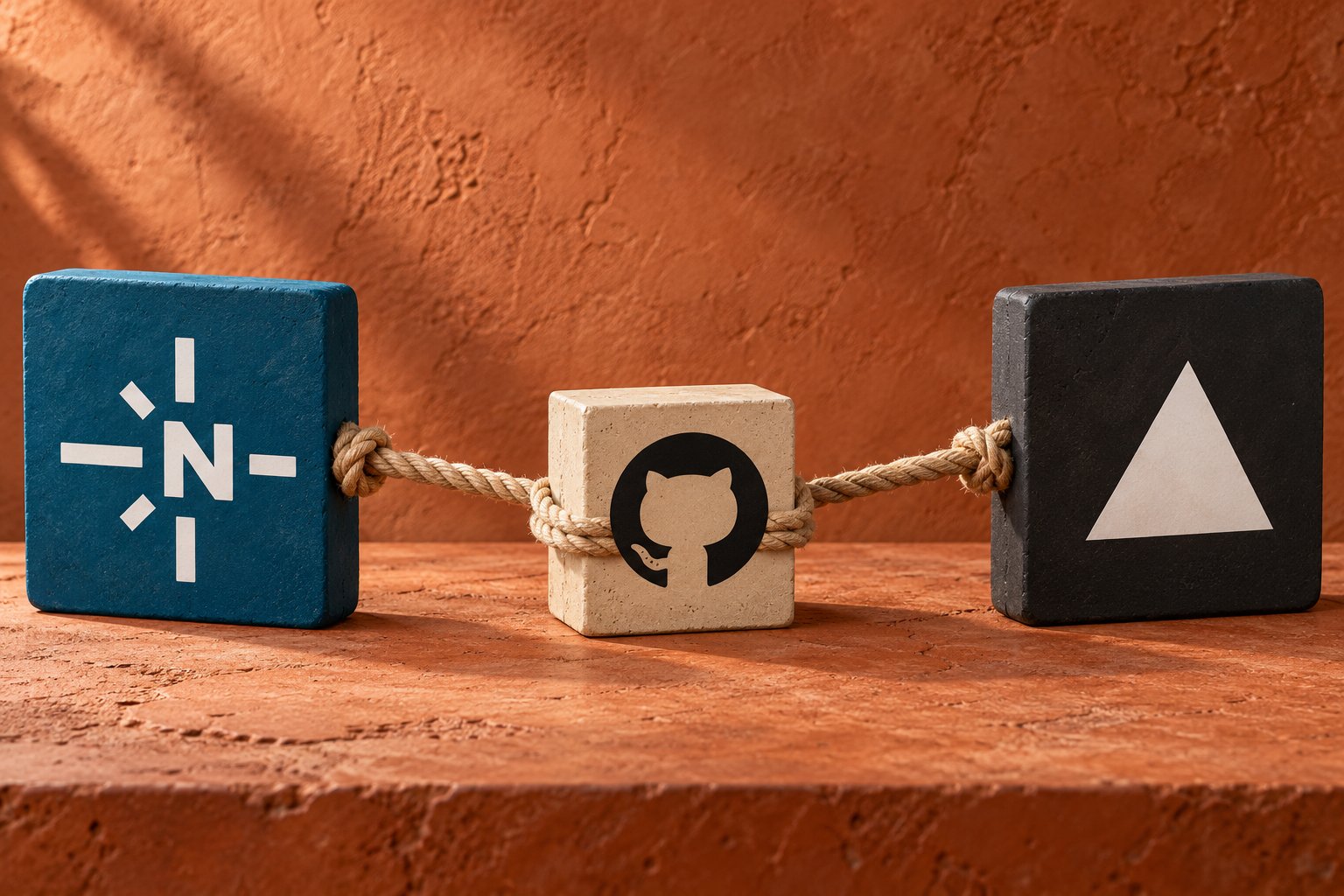
In the last few sites I built with AI, building was only half the job. The next question was simple and a little scary: how does a folder of files become a site anyone can visit?
The answer is a chain of three free tools. Set it up once, and every change you make goes live in minutes.
| Netlify ↗ | Vercel ↗ | |
|---|---|---|
| Best for | Static sites, landing pages, forms | Next.js and dynamic web apps |
| Free plan | Allows commercial use, within limits | Hobby plan is for non-commercial use only |
| Forms | Built in | Needs a third-party service |
| Team pricing | Pro: flat fee, unlimited members | Pro: priced per member |
| AI via MCP | Official Netlify MCP server | Official Vercel MCP server |
For the last sites I published, I chose Netlify. They were simple sites, some of them for businesses, and they needed forms. Its free plan allows commercial use and forms are built in. If you are building a web app with Next.js, Vercel is the natural home.
This is the part most people miss. GitHub, Netlify and Vercel all have official MCP servers. MCP, the Model Context Protocol, is a standard way to connect an AI tool to other software. Add them as connectors or plugins in Claude, ChatGPT, Cursor or another assistant, and the AI can save changes to GitHub, start a deploy and check that it worked.
Set up correctly, you stop uploading files yourself. You describe the change, and the AI publishes it for you.
Letting AI publish does not mean letting it publish blind. Both Netlify and Vercel can build a private preview of every change, with its own link, before anything touches your live site. You check it, and only then it goes live.
You only need to ask for it once:
“You are a careful web developer who looks after my website. The code lives on GitHub and Netlify publishes it automatically. Nothing should reach the live site without my approval. For every change I ask for, work on a separate branch, open a pull request and wait until I say ‘publish’ before merging to main. Each time, reply with a three-line summary of what changed and the Netlify preview link.”
Persona · Context · Task · Format, the structure from Google’s prompting guide- 01Create a GitHub account and a repository.One repository per site. Free for public and private projects.
- 02Connect Netlify or Vercel to that repository.Pick the repository, accept the defaults for a simple site, and get a live link in minutes.
- 03Add the MCP connectors to your AI tool.GitHub plus your host. You sign in once and choose what the AI can access.
- 04Keep yourself in the loop.Give access only to the projects it needs, and ask for a preview link before anything goes live.
Once it is set up, publishing is a sentence, not a project.